DiffWeave
DiffWeave is a tool for automatically generating commit messages and pull request descriptions using large language models (LLMs). The goal is for this tool to be intuitive to use and to help you write meaningful commit messages.
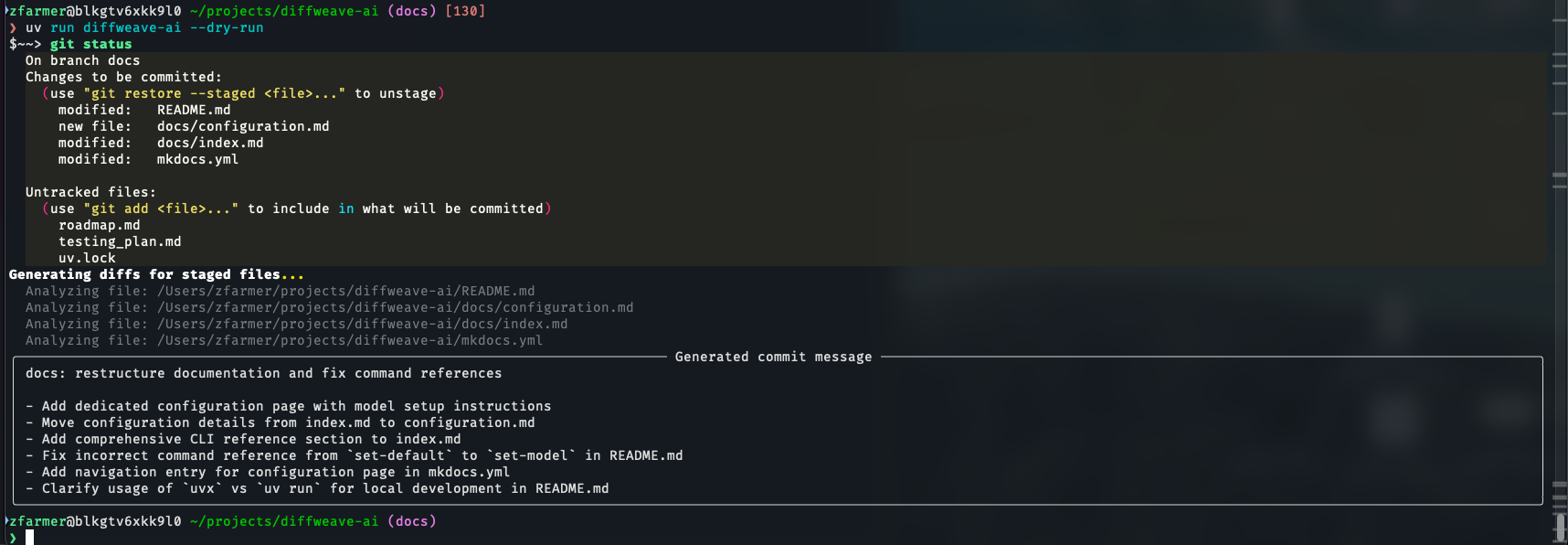
For details on setting up models and the configuration file, see the Getting Started page.
CLI Reference
The diffweave-ai CLI is exposed as a uv tool. You will most commonly invoke it as:
From a local checkout of this repository, you can also run it via:
Default command — commit
Running diffweave-ai with no subcommand starts the interactive commit flow:
- Shows the current git status.
- Prompts you to stage files interactively.
- Generates a commit message using your configured model.
- Lets you review and refine the message.
- Runs
git commit, then prompts whether togit push. - Optionally opens the repo in your browser if
--open-browseris set.
Flags:
| Flag | Short | Description |
|---|---|---|
--simple |
-s |
Use natural-language style instead of Conventional Commits (feat:, fix:, etc.) |
--dry-run |
Generate a commit message and print it, but do not commit or push | |
--non-interactive |
Skip all prompts: use the first generated message and push automatically | |
--verbose |
-v |
Print the prompt sent to the model before each generation attempt |
--open-browser |
-w |
Open the repository URL in a browser after pushing |
Subcommands
pr — Generate a pull request description
Diffs the current branch against a base branch, generates a PR title and body, and copies the result to your clipboard.
| Flag | Default | Description |
|---|---|---|
--branch |
main |
Base branch to diff the current branch against |
--verbose, -v |
Print the prompt sent to the model |
set-token-model — Configure a token-authenticated model
Configures a token-authenticated OpenAI-compatible model as the active LLM. Overwrites any existing configuration.
| Flag | Short | Default | Description |
|---|---|---|---|
MODEL_NAME |
-m |
(required) | Model identifier (e.g. gpt-4o, claude-3-5-sonnet-20241022) |
--token |
-t |
(required) | API token for the endpoint |
--endpoint |
-e |
https://api.openai.com/v1 |
Base URL of the OpenAI-compatible API endpoint |
set-databricks-browser-model — Configure a Databricks model
Configures a Databricks-hosted model as the active LLM using browser-based authentication. Overwrites any existing configuration.
| Flag | Short | Description |
|---|---|---|
MODEL_NAME |
-m |
Model identifier as it appears in Databricks serving endpoints |
--account |
-a |
Databricks workspace account name (e.g. my-org) |
You can always view up-to-date help by running: