Why Tool Descriptions Aren’t Enough
· 4 min read

The first question I had when I heard about MCP sampling was:
“Can’t I just write better tool descriptions and tell the tool it’s an expert?”
The first question I had when I heard about MCP sampling was:
“Can’t I just write better tool descriptions and tell the tool it’s an expert?”
Creating content is fun.
Promoting it (aka the most important part) drains my soul 😩
When I posted that on LinkedIn the other night, I realized I'm definitely not the only one who feels this way. You spend hours making this masterpiece, and then you have to remember to promote it across multiple platforms every single time.
It’s exhausting, so I decided to automate it.
My mom was doing her usual Sunday ritual she had her pen, paper, calculator, and a pile of receipts. I’ve tried to get her to use every budgeting app out there, but she’s old school and always says the same thing:
“They’re all too complicated.”
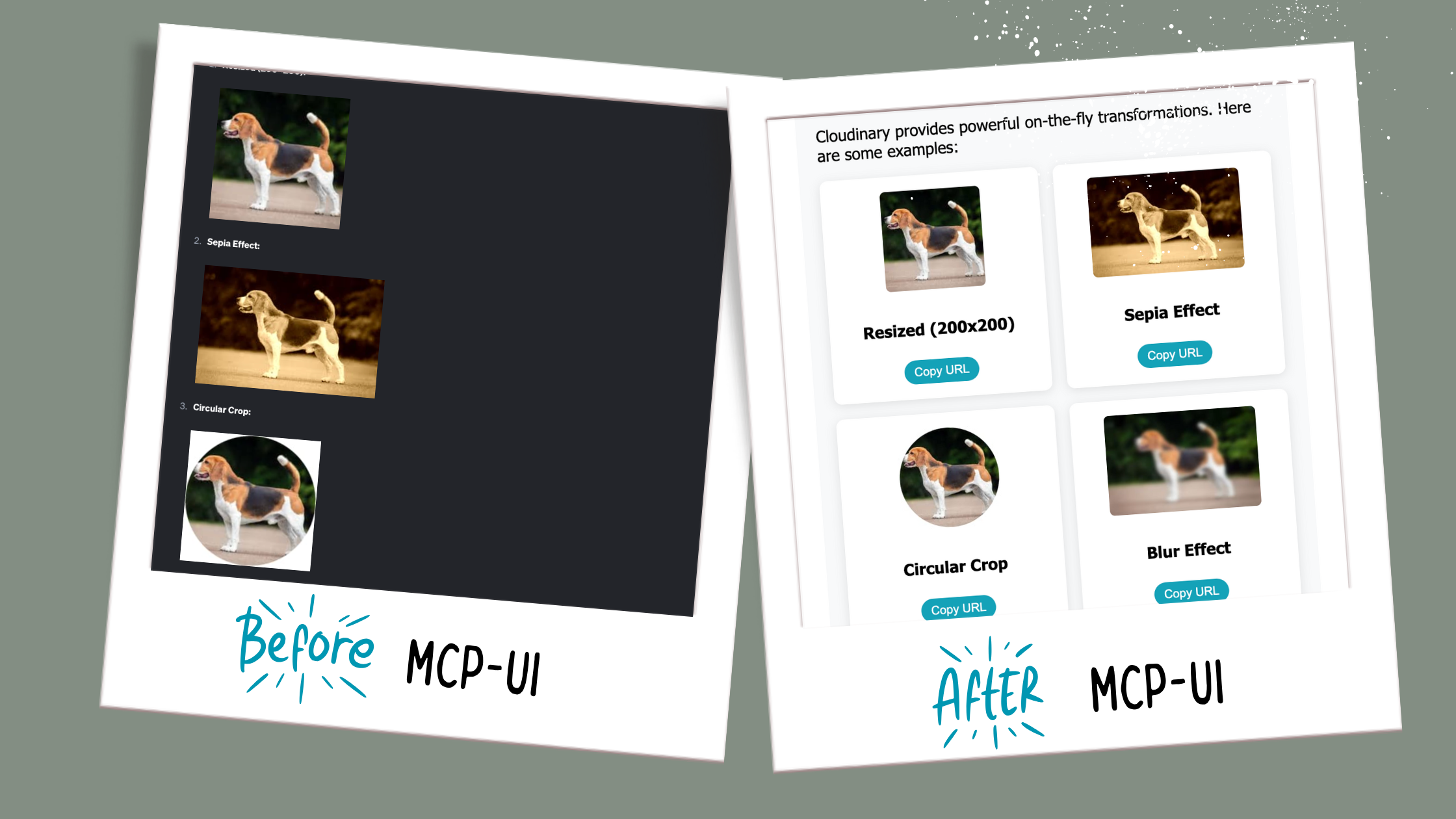
MCP-UI is in its infancy, and there's something addictive about being this early to the party. We're at this fascinating point where both the spec and client implementations are actively developing, and I find it thrilling to build alongside that evolution.
I wanted to see how far I could push it. So I grabbed two open source MCP servers, Cloudinary and Filesystem, and gave them a UI. Instead of boring text, I now get rich, interactive interfaces right inside goose.
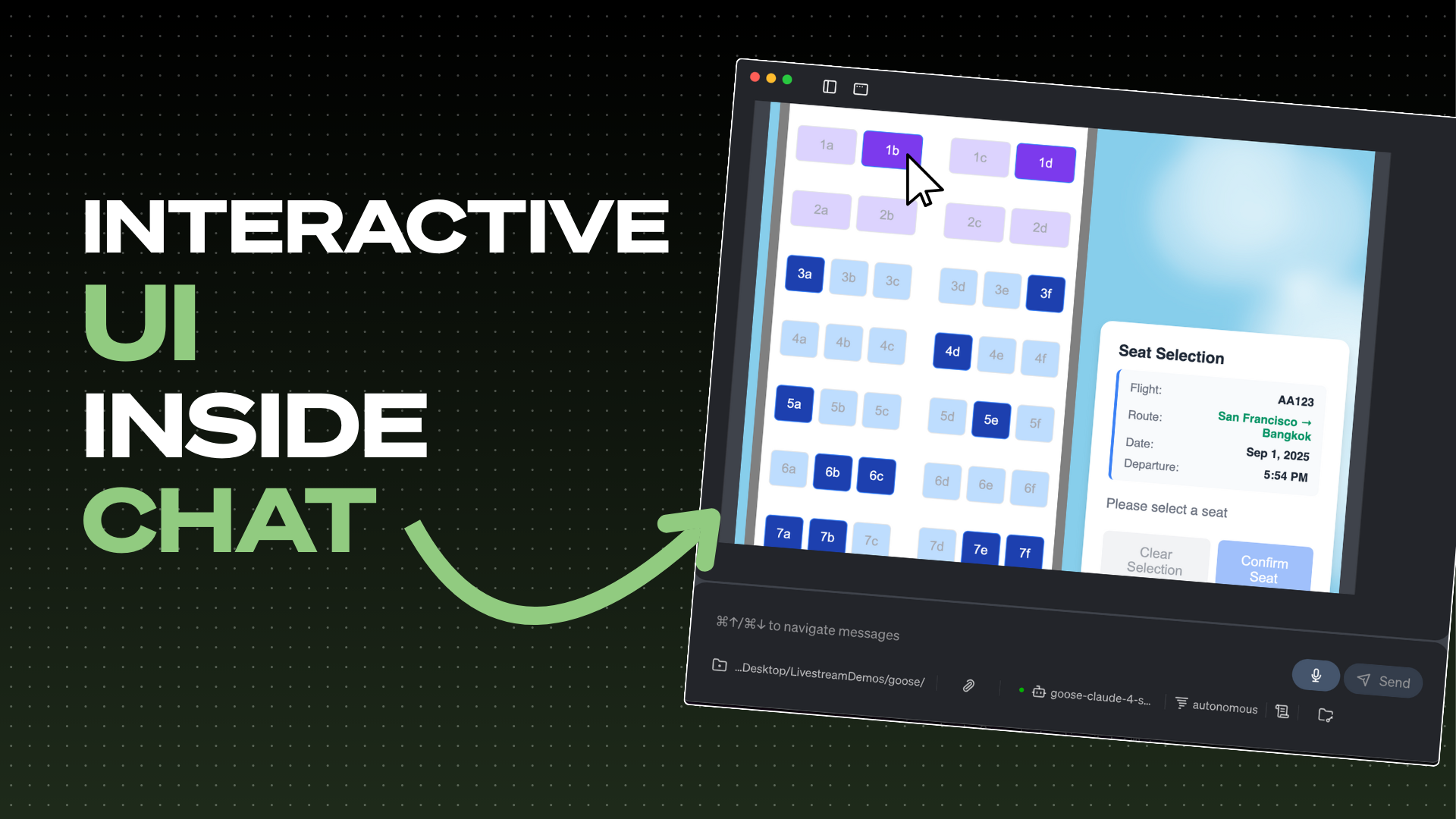
The days of endless text walls in AI agent conversations are numbered. What if instead of reading through paragraphs of product descriptions, you could browse a beautiful, interactive catalog? What if booking a flight seat could be as simple as clicking on your preferred spot on a visual seat map? This isn't science fiction. It's happening right now with MCP-UI.
In a recent Wild Goose Case episode, we dove deep into MCP-UI with its creators Ido Salomon and Liad Yosef from Monday.com, alongside Block's own Andrew Harvard, to explore how this groundbreaking technology is reshaping the future of agentic interfaces.
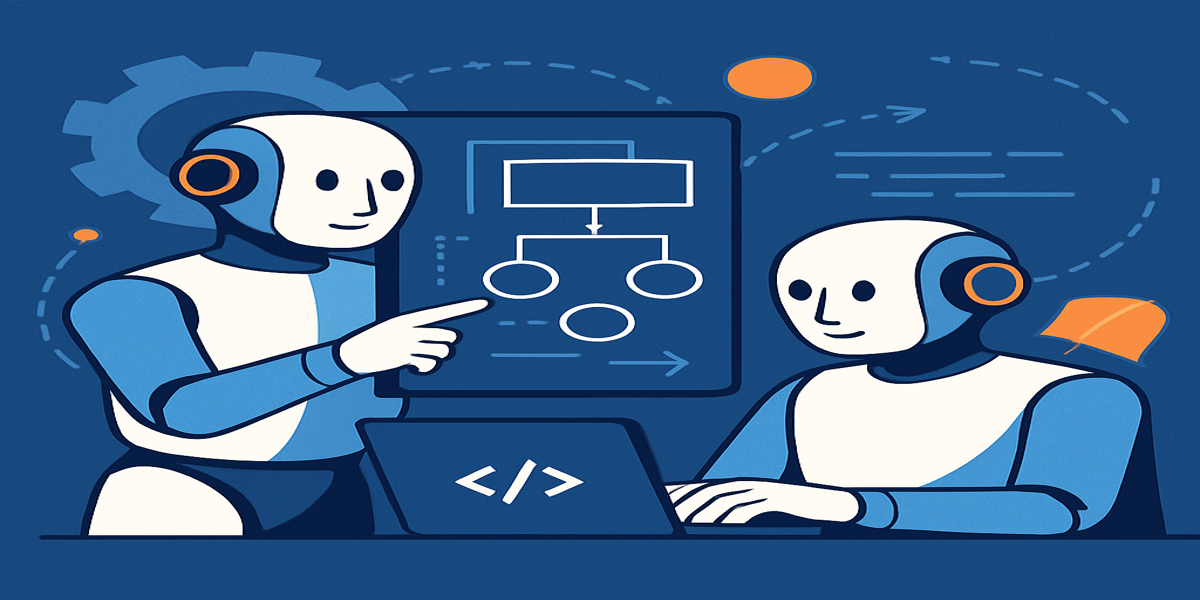
Ever wondered what happens when you let two AI models work together like a tag team? That’s exactly what we tested in our latest livestream—putting Goose’s Lead/Worker model to work on a real project. Spoiler: it’s actually pretty great.
The Lead/Worker model is one of those features that sounds simple on paper but delivers some amazing benefits in practice. Think of it like having a project manager and a developer working in perfect harmony - one does the strategic thinking, the other gets their hands dirty with the actual implementation.

So you’ve heard about Goose. Maybe you saw a livestream, someone on your team mentioned it, or you just stumbled into our corner of the internet while trying to automate your dev setup. Either way—love that for you.
Goose is a local, open source AI agent that can automate tasks, interact with your codebase, and connect to a growing ecosystem of tools. But before you hit install, here are four things you should know to get the most out of it.

We brought Goose to New York City and it was one for the books.
Over 100 people registered, plus 87 on the waitlist, and we had a packed room full of folks who were curious, thoughtful, and ready to dive in. Some were developers already exploring Goose and MCP, others were totally new to the world of AI agents. That’s the beauty of Goose, it’s for developers and non-developers.
The energy was there from the moment the event began - music, pizza, and authentic networking. We had lightning talks, a Goose-themed game, hands-on hacking, and yeah… a few Ebbs IPAs might’ve ended up in people’s backpacks by the end of the night.
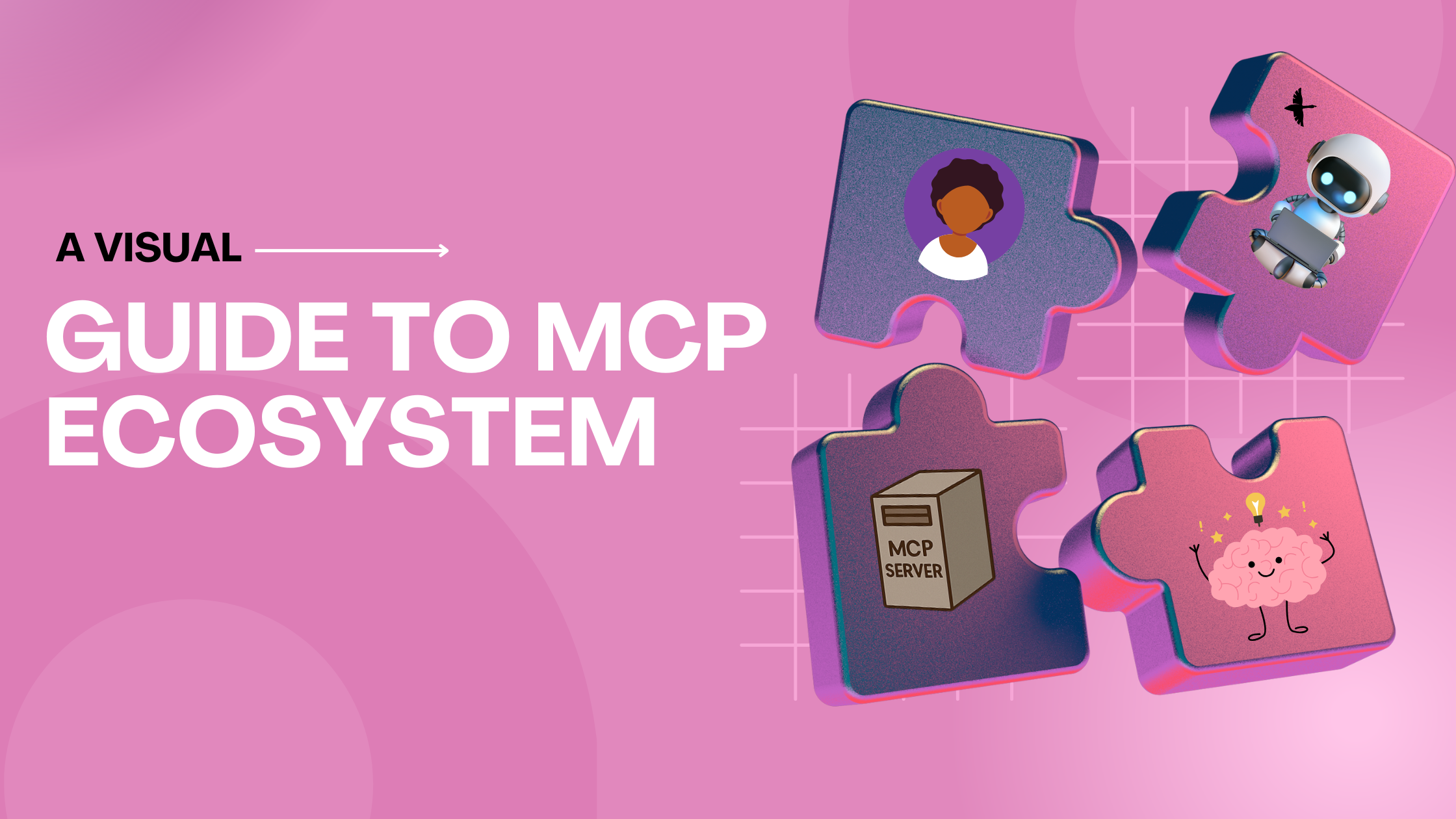
You ever open a GitHub repo or blog post, read the first sentence, and immediately feel like you’ve stumbled into a PhD dissertation?
Yeah. Same.
MCP (Model Context Protocol) sounds complicated, but it’s really not. Think of this as your go to cheat sheet, no whitepapers, no academic jargon, just plain English and a few good visuals.
Model Context Protocol (MCP) servers are everywhere right now. Last time I checked there were 3,000 and counting. Every day, a new one pops up, letting AI agents like Goose access files, query your Google Drive, search the web, and unlock all kinds of amazing integrations.