Logging
Observability of the test execution and agent performance is crucial to adopting AI-based tests. Trailblaze includes thorough logging capabilities in all phases of the test execution.
Start Trailblaze
Run the following to start Trailblaze (including the local log server):
trailblaze app
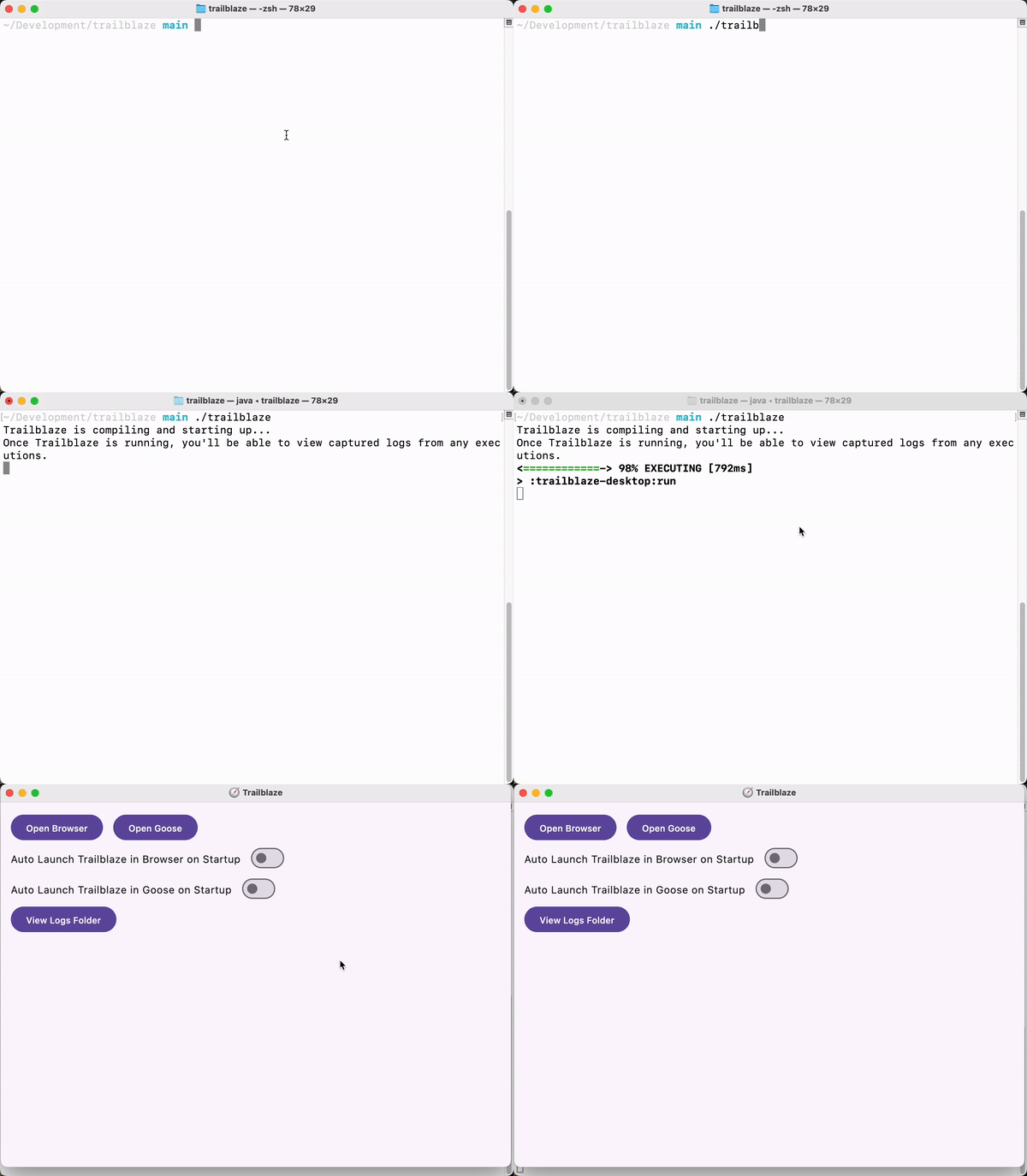
This initializes a local web server that Trailblaze will send all the logs to on your local machine. Logs will not be collected if the server is not running. To view them open http://localhost:52525 in your browser (port may vary if configured differently in Settings).
Understanding Test Logs
As tests are executed locally the server will show a list of all Trailblaze Sessions (i.e. all the test runs). Selecting an individual test will show all the logs which includes:
- Success or failure message
- The prompt provided to the agent
- The list of steps taken during the test
- LLM usage summary
The individual steps are broken up and color coded into a few buckets:
- Session status denotes the start and end of the test
- LLM Request represent each request sent to the LLM
- Trailblaze command denotes which tool call the LLM decided to use for the request
- Driver command denotes the platform-specific action sent to the device, emulator, or browser. Each Trailblaze command maps to one or many driver commands.
- Driver result denotes what the platform driver actually did in response to the command.